
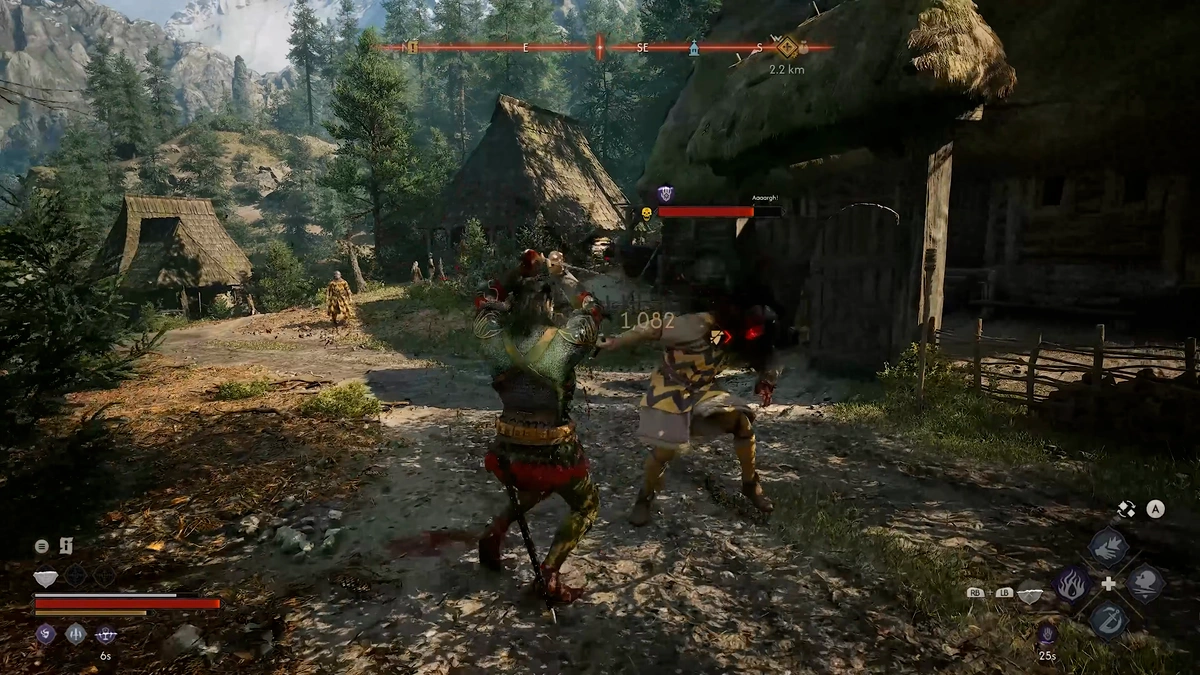
The autosave system in The Blood of Dawnwalker is especially useful around conversations and dialogue choices.
The game is built around living with your decisions, but dialogue choices do not always play out exactly as you expect. If a choice leads to an outcome you did not intend, the game usually creates an autosave just before the conversation.
You can check your autosaves, reload the save from before the conversation, and explore another dialogue option.
For more walkthroughs and gameplay guides, visit our The Blood of Dawnwalker Guides section.
How The Autosave System Helps
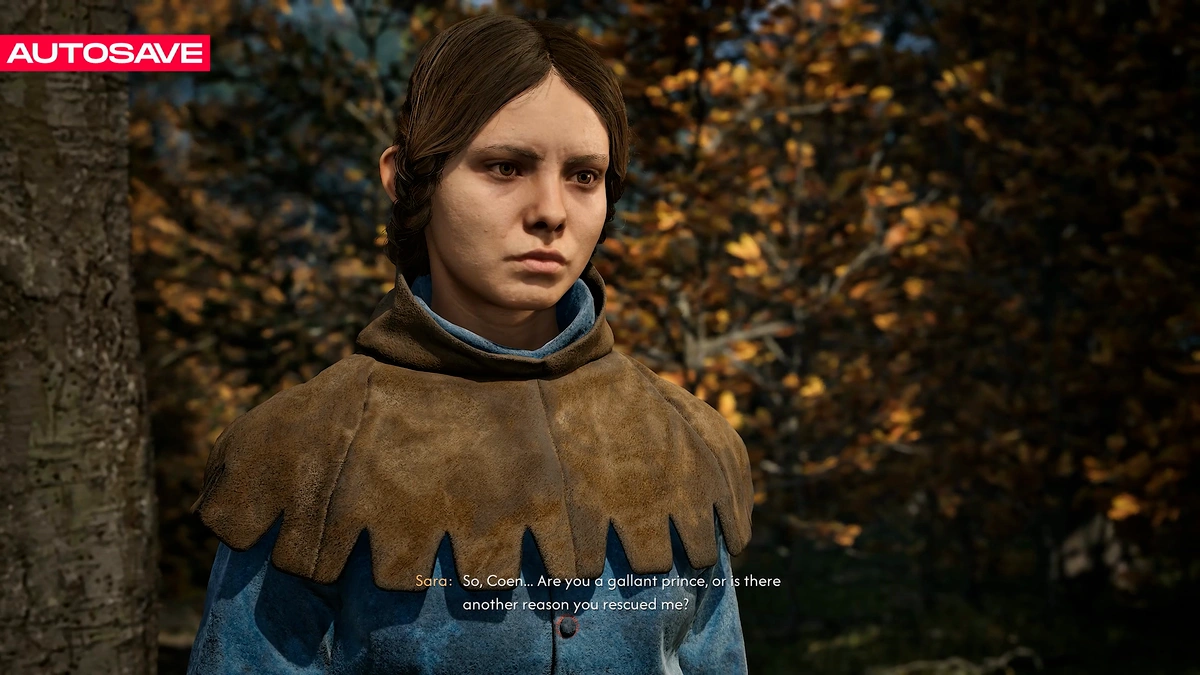
The autosave system can be especially useful when dealing with conversations.
Because the game creates saves around these moments, you have a way to return to the point before a dialogue choice if the outcome is not what you expected.
The Game Encourages Living With Your Decisions
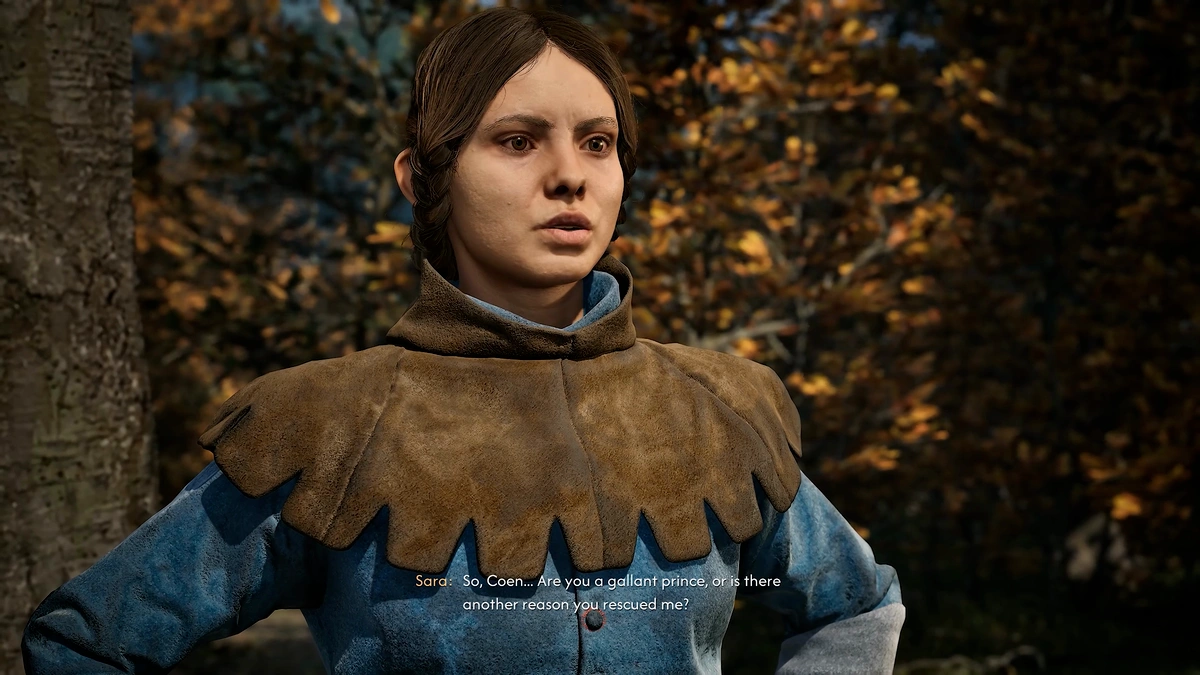
The Blood of Dawnwalker is designed around living with your decisions.
Allowing the natural consequences of those choices to play out is part of the experience.
Dialogue Choices Can Be Different From What You Expect
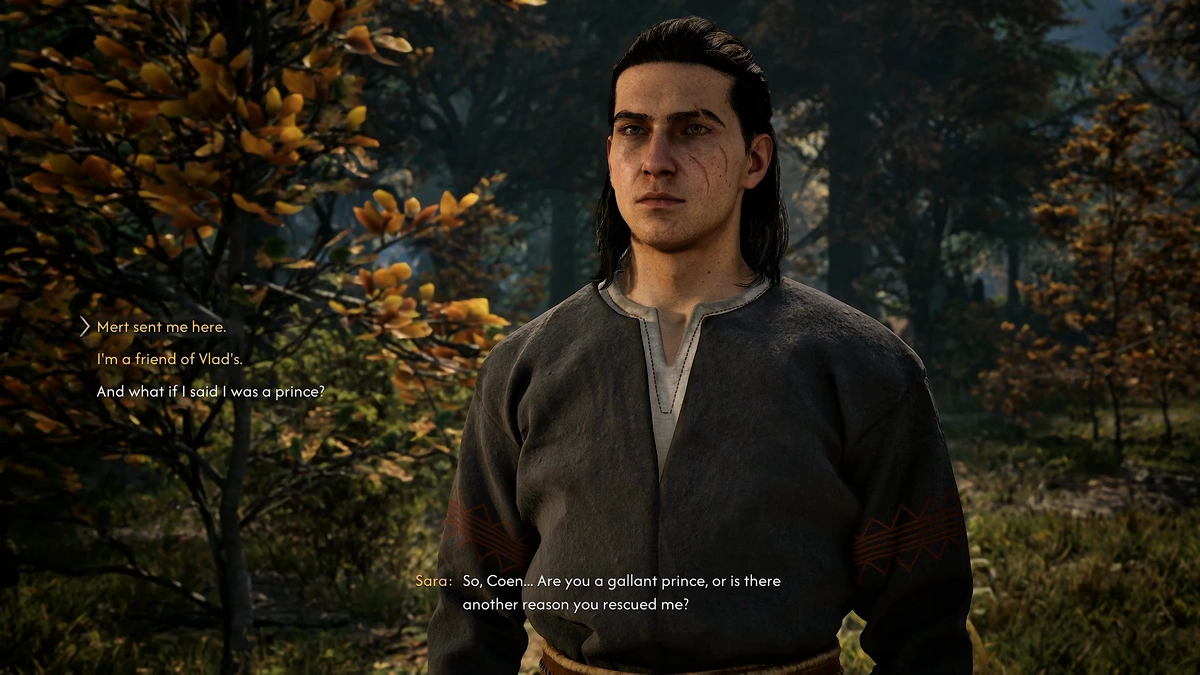
Sometimes a dialogue option may not lead to the result you expected when you selected it.
If that happens, you can use the autosave system to return to the conversation.
What To Do If A Dialogue Choice Goes Differently
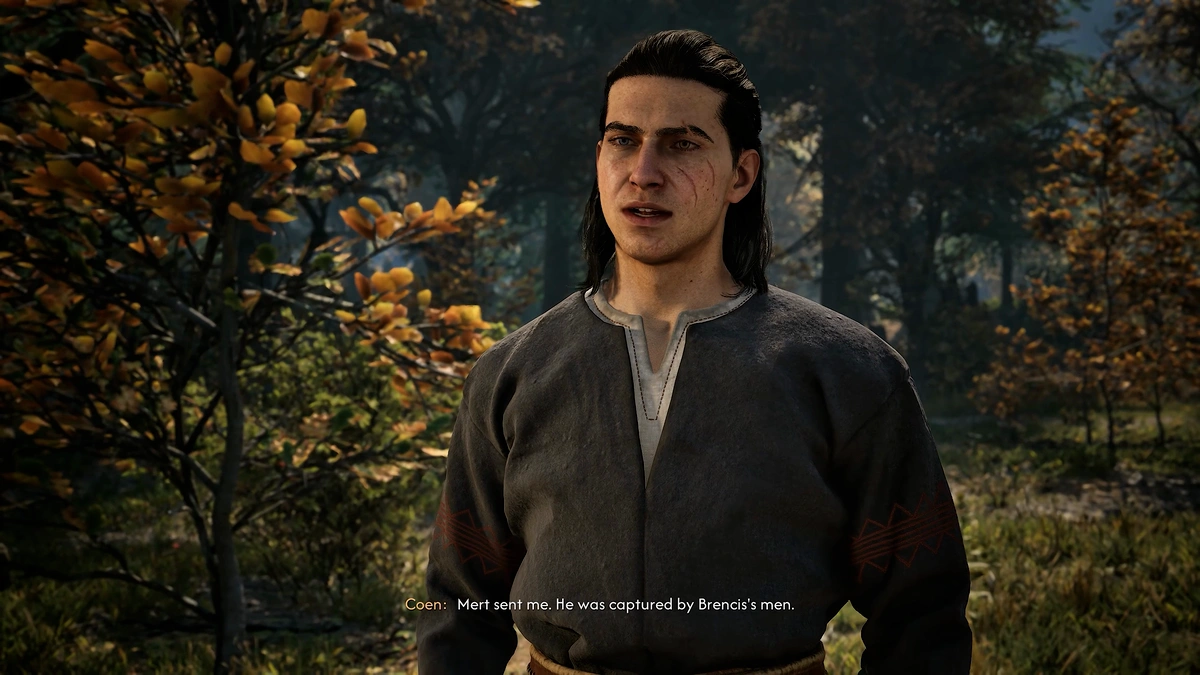
If you choose a dialogue option and strongly dislike the result, check your recent autosaves.
The game creates an autosave just before conversations, allowing you to return to that point.
The Game Autosaves Before Conversations
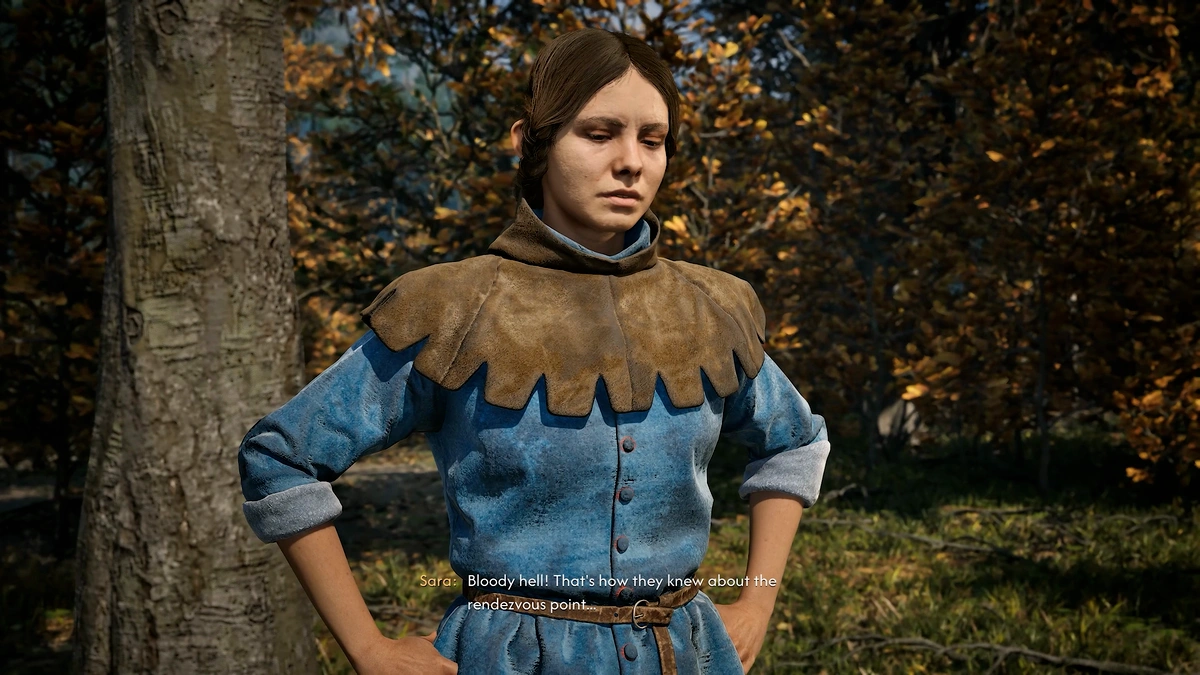
The game autosaves just before conversations.
This means the point immediately before the conversation can be available in your autosave list if you want to revisit the dialogue.
Reload The Autosave Before The Conversation
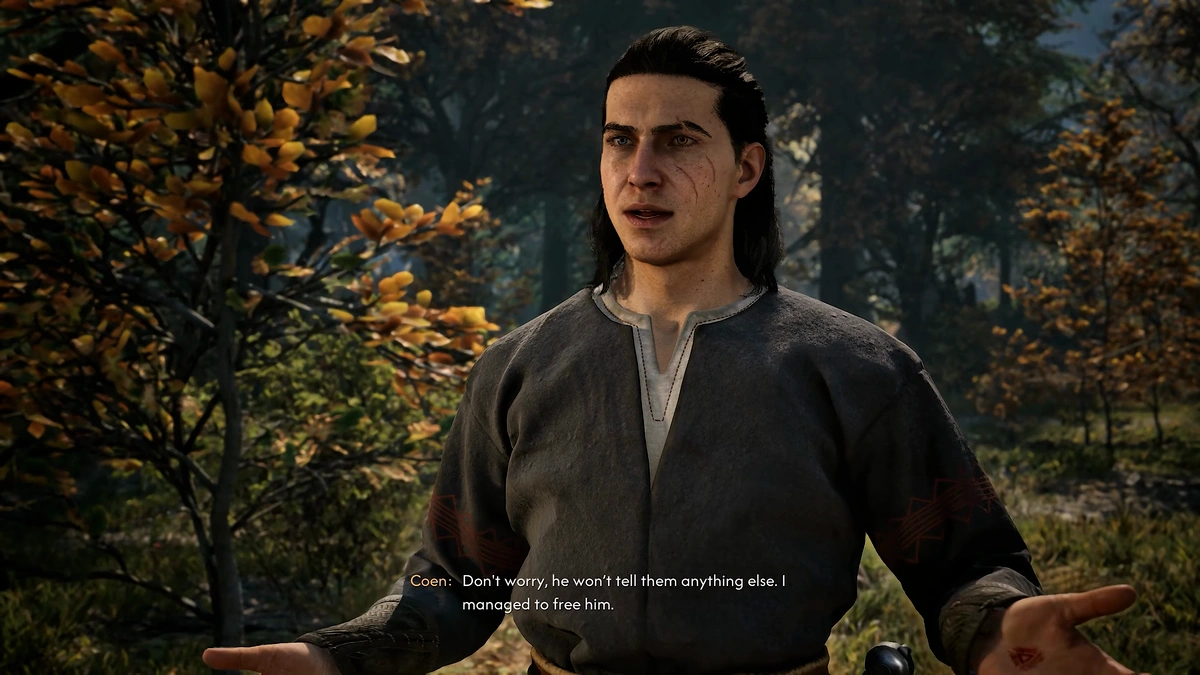
If you do not want to keep the outcome of a conversation, open your autosaves and look for the save created just before that conversation.
Reloading it takes you back to the point before the dialogue choice was made.
Try Another Dialogue Option
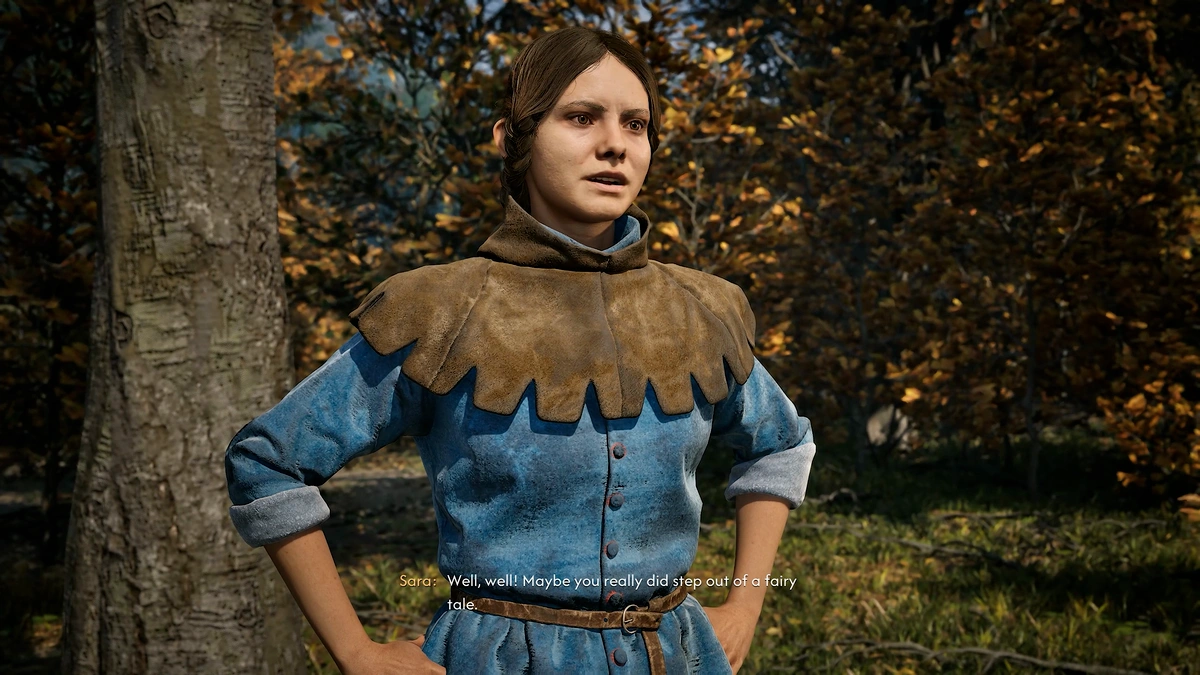
After reloading the autosave, you can explore another dialogue option.
This is useful when the wording of a choice led to an outcome different from what you expected.
How To Retry A Dialogue Choice
| Step | Action |
|---|---|
| 1 | Complete the conversation and see the result of your dialogue choice. |
| 2 | If the result is not what you expected, check your autosaves. |
| 3 | Find the autosave created just before the conversation. |
| 4 | Reload that autosave. |
| 5 | Explore another dialogue option. |
Should You Reload Every Dialogue Choice?
You do not need to reload every conversation.
Living with your decisions and their natural consequences is part of the game.
The autosave option is there when a dialogue choice plays out differently from what you expected or when you want to explore another option.
Autosave And Dialogue Summary
| Feature | How It Works |
|---|---|
| Dialogue Decisions | The game is designed around living with your choices and their consequences. |
| Unexpected Dialogue Outcome | A selected option may play out differently from what you expected. |
| Conversation Autosave | The game autosaves just before conversations. |
| Reloading | You can check your autosaves and reload the save from before the conversation. |
| Another Dialogue Option | After reloading, you can explore a different choice. |
Final Summary
The Blood of Dawnwalker encourages you to live with your choices and their natural consequences.
However, dialogue options can sometimes produce a result different from what you expected.
Because the game autosaves just before conversations, you can check the autosave list, reload the save from before the conversation, and explore another dialogue option if needed.
